2k Preview
Compilation
To evaluate the animations in your dome, you can download a 2K preview here.
On this page, you will find one download per animation set.
The preview contains all animations compiled into a single sequence.
Alternatively, you can download each animation individually on the LOOPS page.
Each animation displays its ID on screen, making it easy to put together your selection.
You can use our SELECTION TOOL to save and share your chosen animations.
Set A
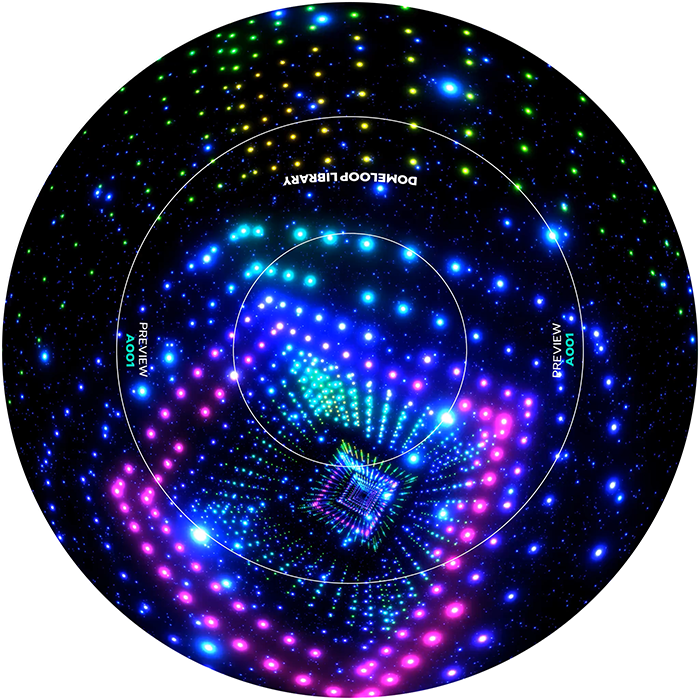
| File Info | |
|---|---|
| File Size: | 6.9 GB |
| Format/Container: | MP4 |
| Resolution: | 2048 x 2048 |
| Number of Animations: | 200 |
| Frame Rate (FPS): | 60 |
| Video Length: | 33 min 20 sec |
Download (Google Drive)
Set B
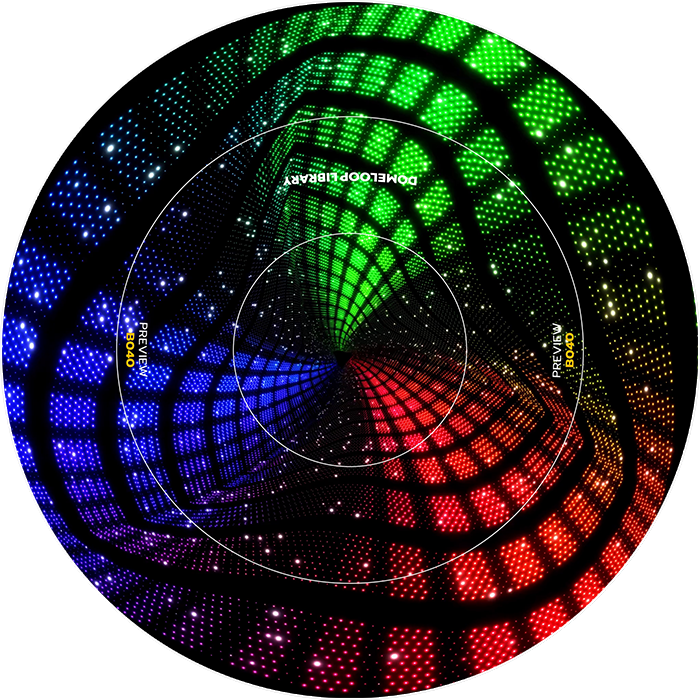
| File Info | |
|---|---|
| File Size: | 2.4 GB |
| Format/Container: | MP4 |
| Resolution: | 2048 x 2048 |
| Number of Animations: | 100 |
| Frame Rate (FPS): | 60 |
| Video Length: | 16 min 40 sec |
Download (Google Drive)
Set C
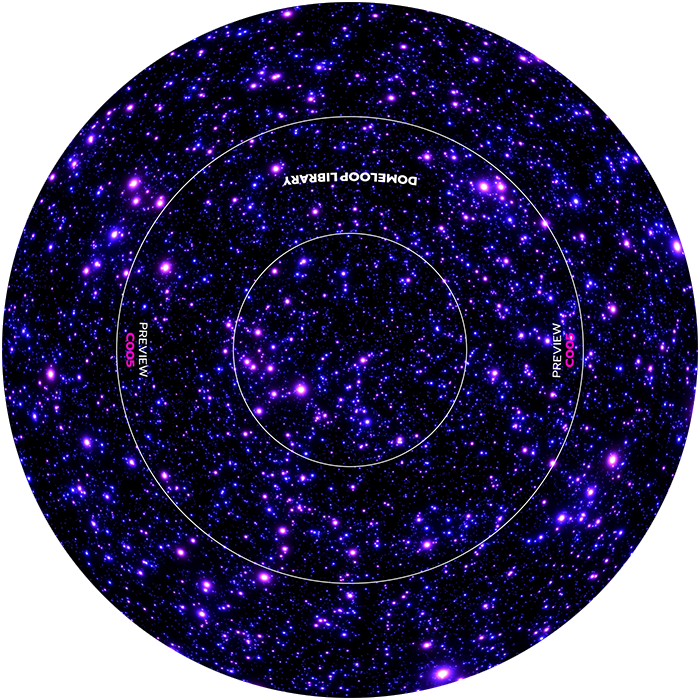
| File Info | |
|---|---|
| File Size: | 708 MB |
| Format/Container: | MP4 |
| Resolution: | 2048 x 2048 |
| Number of Animations: | 30 |
| Frame Rate (FPS): | 60 |
| Video Length: | 5 min 0 sec |
Download (Google Drive)
Download a single loop
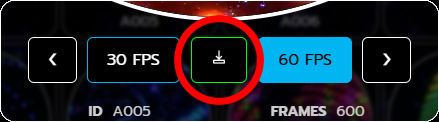
If you want to download a preview of a single animation, go to the LOOPS page,
click on any video, and download it as a 30 fps or 60 fps preview in 2K resolution.
These previews are intended for team evaluation and planning purposes only, and may not be used in public or commercial presentations.